
A LighterPack alternative for iPhone: GearPulse vs LighterPack
LighterPack is a free, open-source website for building and sharing gear lists, and it remains the reference for pack shakedowns. GearPulse is a free iPhone app built on the same idea, a weight for every item, and it adds what happens around the list: preparing each trip, ticking items off as you pack, and learning from every outing. If you already keep a LighterPack list, GearPulse imports it from its share link.
What LighterPack does well
LighterPack, run by Galen Maly, is a web app where you list your gear by category, with weights, quantities, and worn and consumable flags. Each list shows its base, worn, consumable and total weight, and a chart shows where the weight goes.
- Free, open source (GPL-2.0), and usable without an account: your lists then stay in your browser.
- A gear library that feeds several lists, with linked items: edit one, and it changes everywhere.
- Units in ounces, pounds, grams or kilograms.
- A price, a link and an image on each item.
- A share link (lighterpack.com/r/…), an embed for blogs and forums, and CSV import and export.
Its share links are part of ultralight culture: a LighterPack link is how many hikers post their list for a shakedown, on r/Ultralight and elsewhere.
What GearPulse adds on iPhone
GearPulse starts from the same gear list and follows it out the door.
- A native iPhone app: your gear, kits and bag live on the phone and stay available without signal.
- Quicker ways to add gear: a photo (AI fills in the card), a list said out loud, or an import.
- Outings: create one from a GPX file or your location, and GearPulse fetches the forecast and builds the packing list from your kits.
- Rules by temperature, rain, length or distance: gloves when it’s cold, one more bar on long days.
- A packing checklist: tick items off as they go in, then close the bag.
- A debrief after each outing: what went unused, what was missing. The next outing takes it into account.
- Group outings: invite friends with a link, and shared gear shows who carries what.
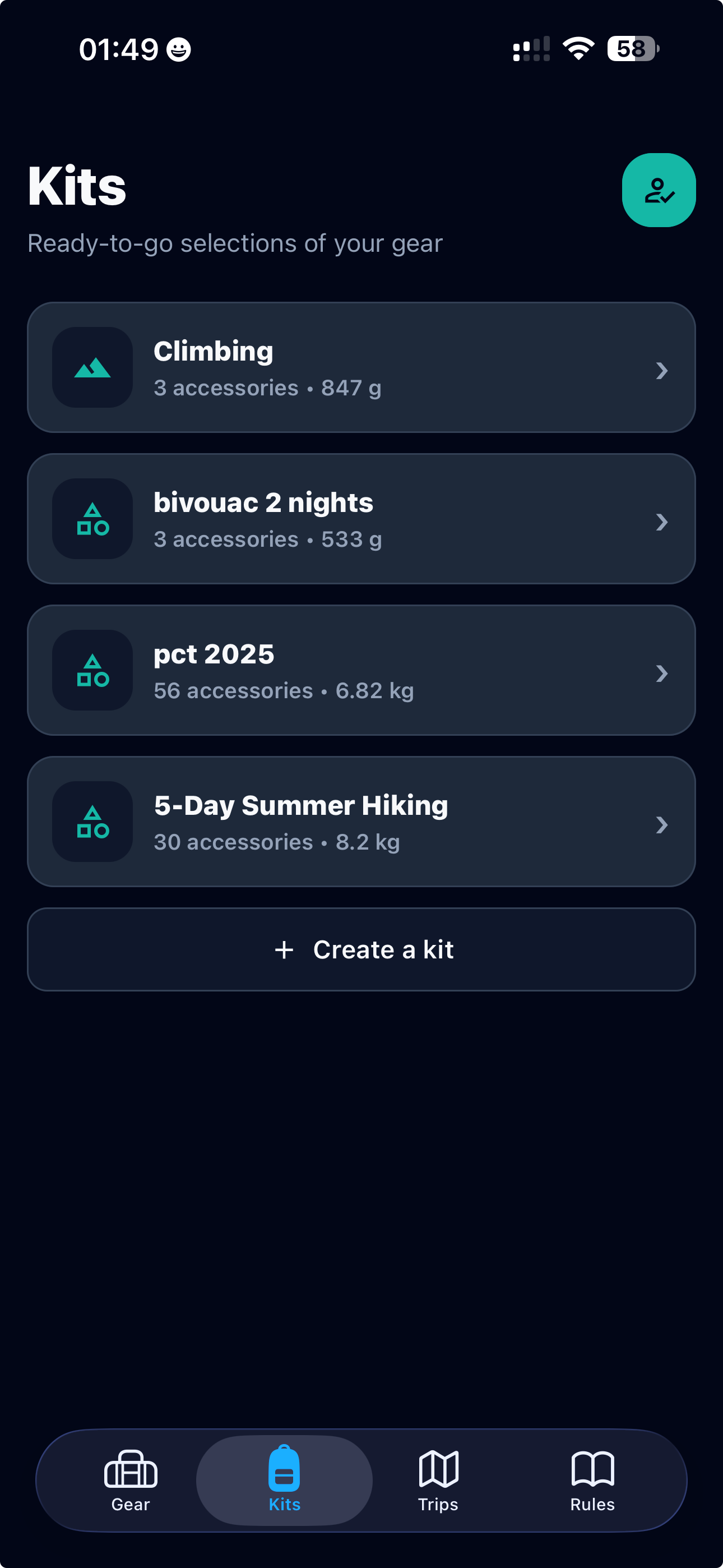
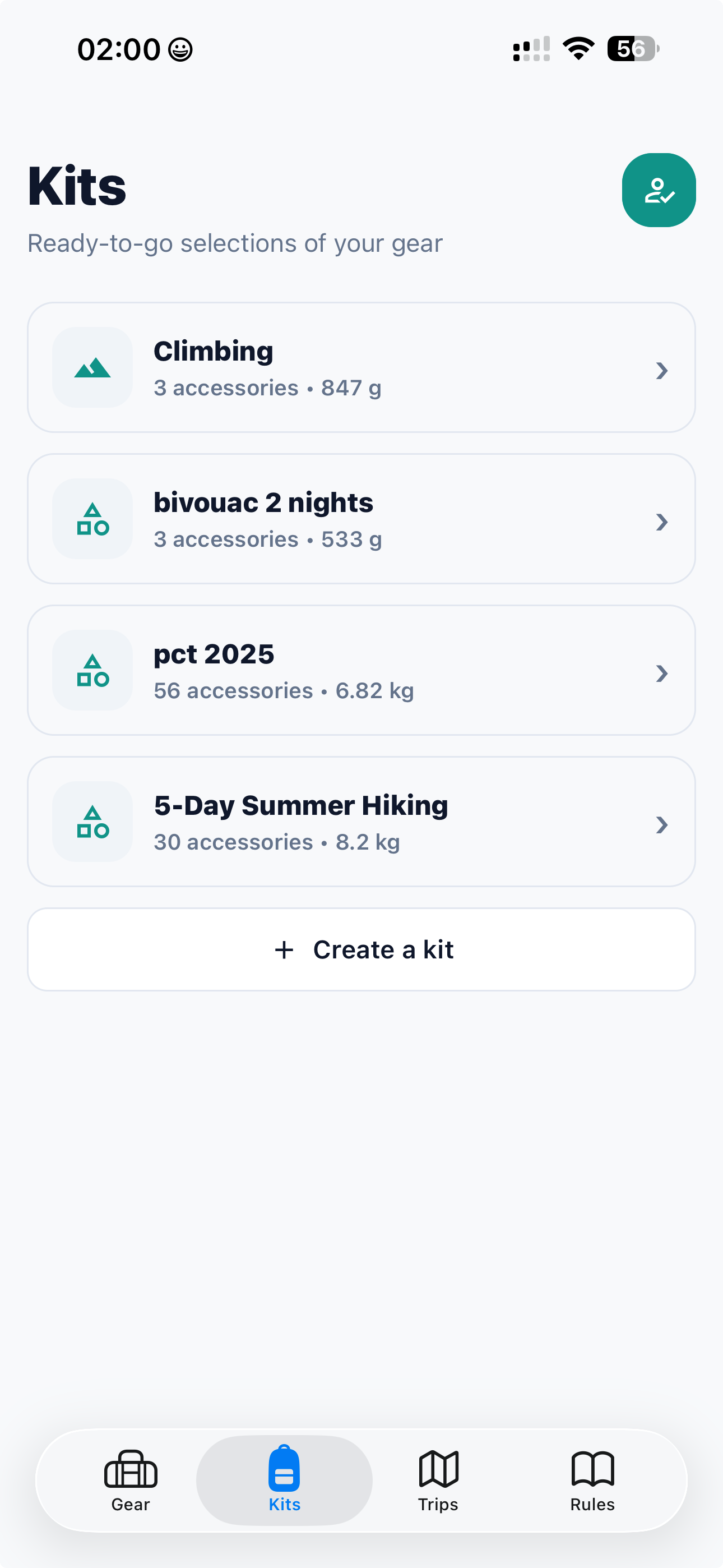
GearPulse vs LighterPack at a glance
| LighterPack | GearPulse | |
|---|---|---|
| Platform | Website, in the browser | iPhone app |
| Price | Free | Free on the App Store |
| Account | Optional; without one, lists stay in the browser | Optional; without one, data stays on the phone |
| Organization | Gear library and multiple lists | Gear library and reusable kits |
| Worn and consumable items | Yes | Yes |
| Weight totals | Total, base, worn, consumable | Bag weight, consumables, worn; base weight on public kit pages |
| Weight chart | Pie chart by category | Bar by category, with each share |
| Units | oz, lb, g, kg | g and kg |
| Item details | Description, price, link, image | Notes, quantity, calories for food |
| Sharing | Share link, embed, CSV export | Public kit page with a link (account needed); copy a shared kit into the app |
| Adding gear | Typing, CSV import | By hand, photo, voice, LighterPack link or CSV |
| Forecast, rules, trip debrief | Not covered | Yes |
Bring your LighterPack list into GearPulse
- In LighterPack, copy your list’s share link. It looks like lighterpack.com/r/ followed by a short code.
- In GearPulse, open the Gear tab and tap “Add gear”, then “From LighterPack”. From a kit, use “Import a list”.
- Paste the link and tap “Import from link”. A preview shows the items ready to import, their categories and the known weight.
- Choose where they go: “Gear only”, “Create a kit with these items”, or an existing kit. Then tap “Import gear”.
What comes across: the list name (to name the kit), each item’s name and description (as a note), weight, quantity and category (matched to GearPulse’s own, or kept as it is), and the consumable flag. An item you already have is linked rather than duplicated.
What stays behind: prices, links and images, and any item without a weight. Items marked worn arrive with a note saying so: set them to “Worn on you” in GearPulse to take them out of the bag weight.
Prefer a file? Export your list as CSV from LighterPack and choose “Import CSV file” in the same sheet; ounces and pounds are converted to grams. Any other CSV works too if it has name, category, quantity and weight columns.
Which one should you use?
LighterPack, if you plan at a computer, want to post your list on a forum or embed it on a blog, think in ounces and pounds, or want a price and a link on every item. It is also the option on Android, where GearPulse is not available yet.
GearPulse, if your gear list lives on your phone and you want it to prepare each outing: the forecast, a packing checklist built from your kits, and the lessons of your last trip.
Nothing stops you from using both: keep a LighterPack link for shakedowns, and import the same list into GearPulse to pack from it. To compare packs the same way in both tools, read the base weight guide; to build a list from scratch, start with the backpacking checklist.